Kids and family. Shopify for products someone else usually unwraps.







What sets kids and family projects on Shopify apart
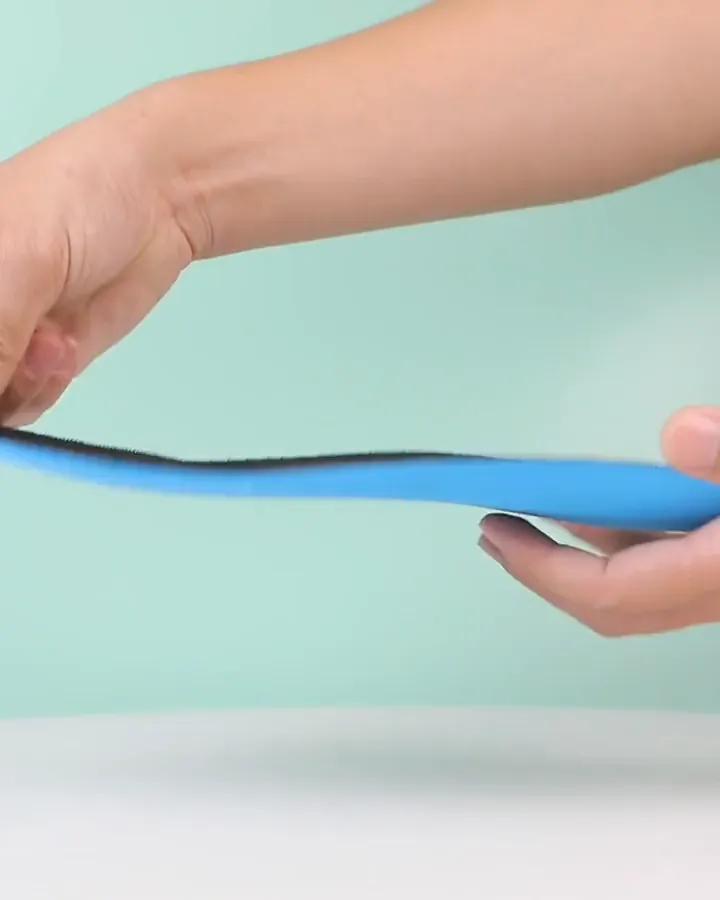
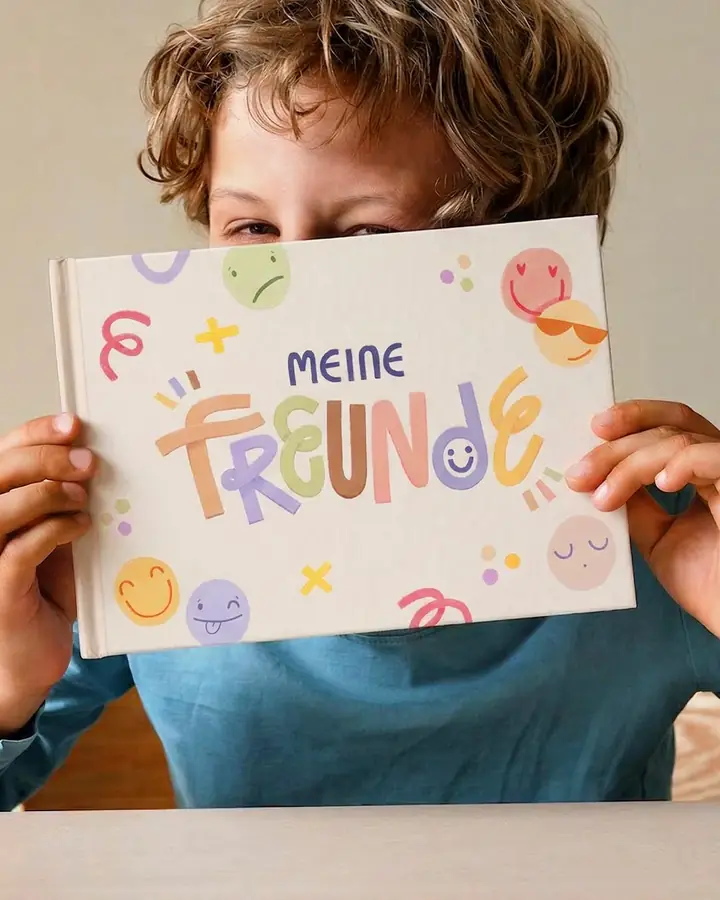
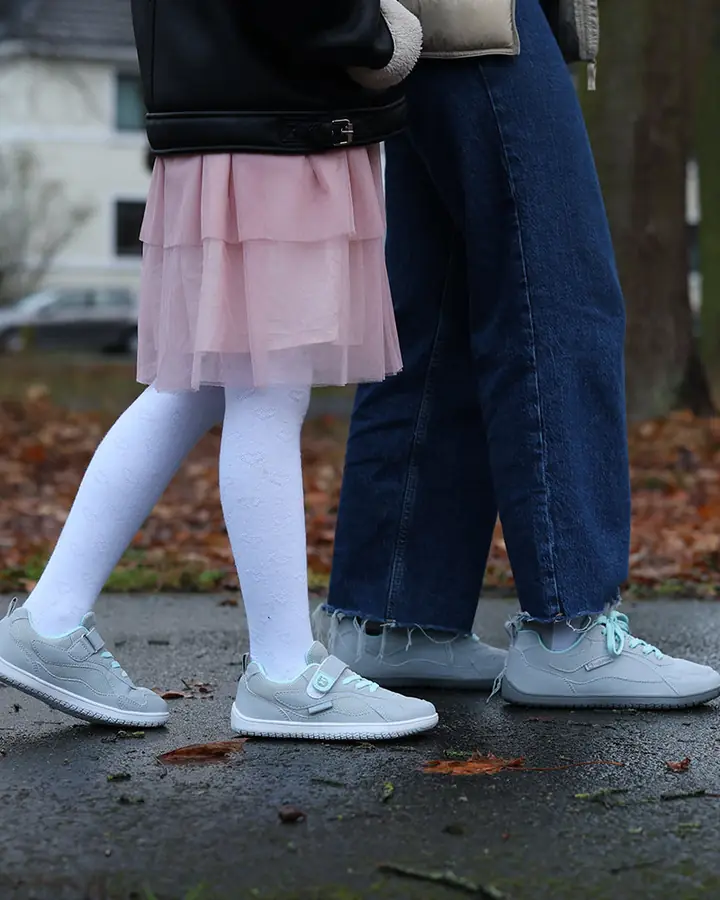
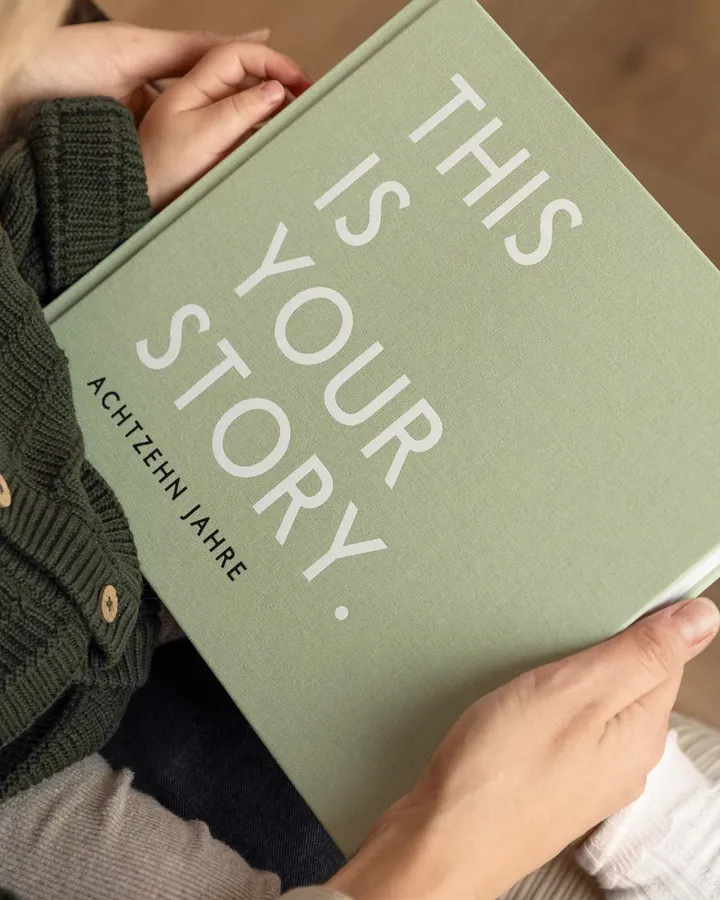
With kids and family products, the person buying is rarely the person who will use the product. Parents, grandparents and friends search by age, occasion and budget, expect clear safety information and often want to add a name or a date. We build Shopify stores that carry gift buying, personalisation, size changes and seasonal peaks, proven with the Mintkind migration from Shopware 6 to Shopify Plus, plus Freiluftkind as a client in barefoot shoes.
What sets stores for kids and family products apart from other stores?
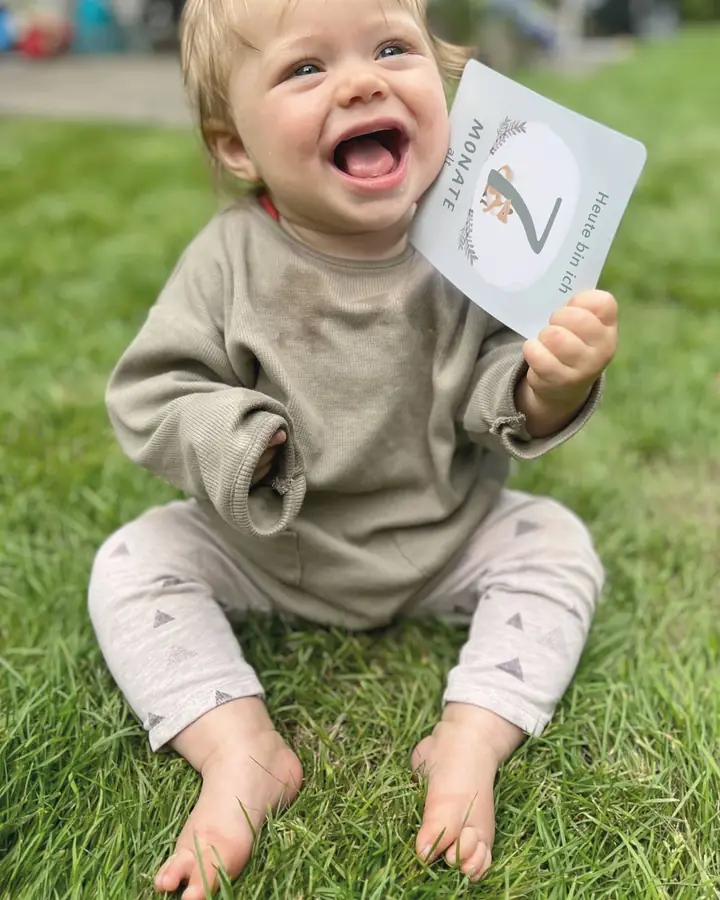
The most important difference: buyer and user are different people. The aunt buys the baby journal, the parents pay for the shoes, the child wishes for the toy. So the store has to answer questions the buyer asks, even though they will never use the product themselves. Age, occasion and suitability often matter more than technical detail.
Then there is trust. Anyone shopping for a child wants to be sure that material, workmanship and age recommendation are right. Reviews from other parents, real product photos in use and traceable information on origin and safety carry more weight here than any advertising line. Where this information is missing, customer service gets questions or the purchase is abandoned.
That is why we start these projects with the question of who lands on the page and with what goal. A mother buying again needs a different path from a guest looking for a birth gift. Only once these paths are clear do we decide on navigation, filters and product pages.
How do you sell to people who are shopping for someone else?
Gift buyers often know the child only from what they have been told. They know the age roughly, the occasion exactly and their budget very exactly. Navigation that only sorts by product type does little for them. Entry points by occasion, age and price range lead to the right product faster and reduce exchanges after the celebration.
In the basket and at checkout it is then about details that play no role in an ordinary purchase: gift wrapping, a greeting card with your own text, delivery to a different address and a delivery note without prices. On Shopify Plus, Checkout Extensibility lets you build such details cleanly into the purchase journey instead of asking for them in note fields.
What a store for gift buyers should cover
- Entry points by occasion such as birth, christening, birthday or Christmas
- Filters by age or stage of development rather than product type alone
- Gift wrapping and greeting card as a clear option in the purchase journey
- A different delivery address and a delivery note without prices
- Clear exchange rules for gifts that do not fit
How do you handle personalisation with names and dates cleanly?
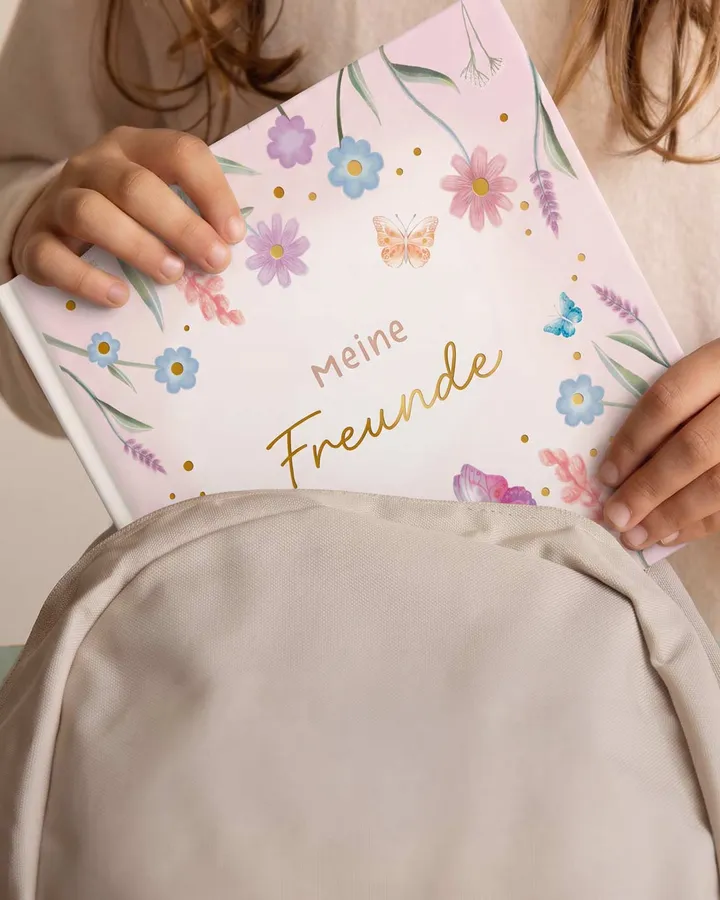
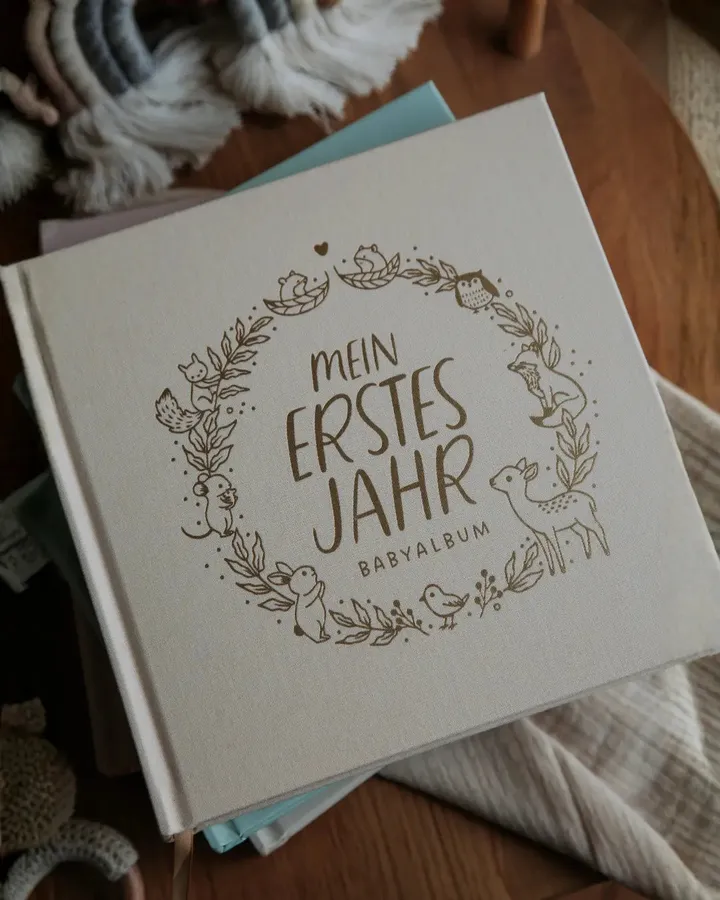
A name on the book cover, a date of birth in the memory album, initials on the rucksack: personalisation turns a product into a gift. Technically, this means inputs are captured on the product, checked and saved with the order line. Otherwise typos, missing special characters or names that are too long only surface once they reach production.
We define which fields exist, how long they may be and which characters are allowed, and show a preview or a clear summary before purchase. The details are passed on to production or fulfilment in a structured way. Because personalised goods are generally excluded from the right of withdrawal, a clear notice belongs in the purchase journey.
Which age labels and safety notices does a product page for children need?
In the EU, toys fall under the Toy Safety Directive, visible for example in the CE marking and in warnings such as the notice that a product is not suitable for children under three. Other children's products are also subject to product safety and labelling requirements. Which obligations apply in a given case is something to clarify with your manufacturer or a specialist adviser, not in the theme.
In the store we make sure this information does not disappear into running text. Age recommendation, warnings, material details and manufacturer details sit on the product as metafields. That way they appear in the same place on every product page, can be used as filters and are not missing when a new product is created.
Structured information also helps outside the store. Search engines, price comparison sites and AI assistants read age labels and materials more reliably when they exist as data. And your customer service has fewer questions to answer whose answer was already somewhere on the page, just not where parents look for it.
How do you deal with children constantly growing out of their sizes?
Children's shoes and clothing are not bought again because of wear, but because the child has grown. That is a recurring occasion adult fashion does not know in this form. If you explain sizes, measuring guides and fit notes well, you get fewer returns and remain the family's first port of call at the next size change.
On Shopify we map sizes as variants and add measuring aids and fit notes per model. In the customer account the last size purchased can be found again, and via Shopify Flow and email journeys a reminder can follow when the next change is foreseeable. That does not replace advice, but it saves parents searching for their last order.
Seasons, bundles and gift sets maintained without developers
Births are spread across the whole year, whereas Christmas, Easter or starting school concentrate demand into a few weeks. For these peaks the team needs landing pages, gift sets and bundles it can create itself. If every campaign waits for a developer, the season is over before the page is ready.
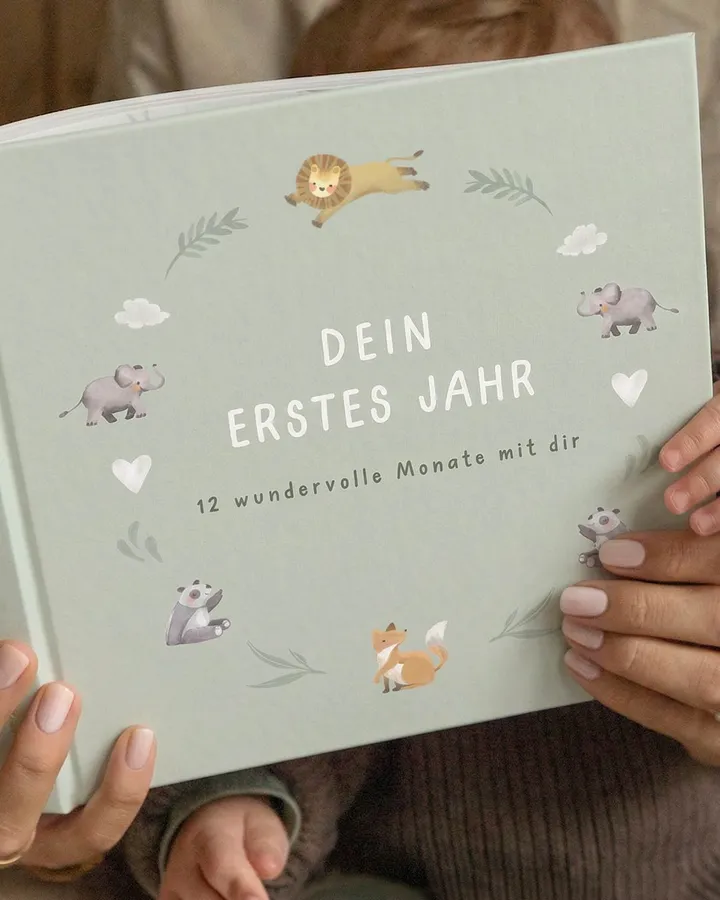
At Mintkind this was a central reason for the switch. The Hamburg family brand for memory books and gifts ran on Shopware 6, with high maintenance effort and slow content and campaign cycles. The store moved to Shopify Plus in 90 days from discovery to go-live, with a redesign, a complete data migration and a launch without downtime.
Today the Mintkind team maintains landing pages, campaigns and assortment changes directly in Shopify. Products, customer accounts and order history were transferred, and existing rankings were protected through a complete URL and redirect strategy. After the launch, development and CRO continue in a retainer with regular business reviews.
What we work on in kids and family projects
Entry points for gift buyers
Navigation and filters by occasion, age and budget, plus gift wrapping, greeting card and a different delivery address as clear options in the purchase journey.
Personalisation with names and dates
Input fields with fixed rules for length and characters, a preview before purchase and structured handover of the details to production or fulfilment.
Age and safety information as data
Age recommendation, warnings, material and manufacturer details as metafields, so they appear complete and in the same place on every product page.
Size changes and repeat purchases
Variants, measuring aids and fit notes per model, plus reminders via Shopify Flow and email journeys when the next size change is due.
Migration and content autonomy
Moving from Shopware or other systems with data migration and a redirect strategy. At Mintkind in 90 days, after which the team maintains campaigns and assortment itself.
Evidence from kids and family products
A migration with redesign for a brand that sells memories and gifts around children, and a client in barefoot shoes. The figures come from the linked case study.
Frequently asked questions from kids and family projects
How do we help gift buyers find the right product?
How do we put names and dates on products?
Which safety information has to be shown in the store?
How do we reduce returns on children's sizes?
How long does a move from Shopware to Shopify Plus take?
Can we maintain seasonal pages and gift sets ourselves?
Related services
Gifts, names, sizes: talk to us about your store
Tell us who buys from you, for whom and on which occasions. We will tell you where your store gets in the way of gift buyers and parents today and where we would start.
This page is based on the Mintkind migration, whose figures appear exactly like this in the linked case study, and on Freiluftkind as a client in barefoot shoes.